

-
Satellite Phones
-
-
- Articles coming soon
-
-
Marine Satellite Internet
-
-
- Articles coming soon
-
- Articles coming soon
-
- Articles coming soon
-
- Articles coming soon
-
- Articles coming soon
-
- Articles coming soon
-
- Articles coming soon
-
-
-
- Articles coming soon
-
-
-
Maritime Security
-
Land Satellite Internet
-
Disaster Response & Relief
- Icom IC-SAT100 Brochure
- Icom IC-SAT100M Brochure
- Inmarsat Isatphone 2 Brochure
- Inmarsat Isatphone 2 Quick Start Guide
- Inmarsat Isatphone 2 User Guide
- Iridium Extreme Brochure
- Iridium Extreme PTT Brochure
- Iridium Extreme Quick Start Guide
- Iridium Extreme User Manual
- Iridium Go! Brochure
- Iridium GO! exec Fact Sheet
- Iridium GO! exec User Manual
- Thuraya FDU-XT NEO (Fixed Docking Unit) User Guide
-
Tracking
-
- Articles coming soon
-
- Articles coming soon
-
-
GS Energy System
- Articles coming soon
-
How To Tutorials
-
- A Complete Guide to Sending Text Messages with a Satellite Phone
- GPS on Iridium Extreme
- How to Dial on a Satellite Phone: A Comprehensive Guide
- How to Update Firmware on Your Iridium Extreme Satellite Phone
- Iridium PTT Tutorial
- Troubleshooting Satellite Phone Connectivity Issues
- Why Do Satellite Phone Calls Drop? 10 Common Causes Explained
-
-
satellite coverage maps
-
Terms and Conditions
-
Access Point
-
Starlink Data Plans
- Articles coming soon
Iridium Extreme User Manual
Iridium Extreme User Manual: The Iridium Extreme satellite phone, available through Global Satellite, is designed for reliable communication in remote locations. Whether you’re trekking through the wilderness or conducting business in areas with limited connectivity, this device ensures you’re always connected. Here’s a quick start guide to help you set up and use your Iridium Extreme efficiently.
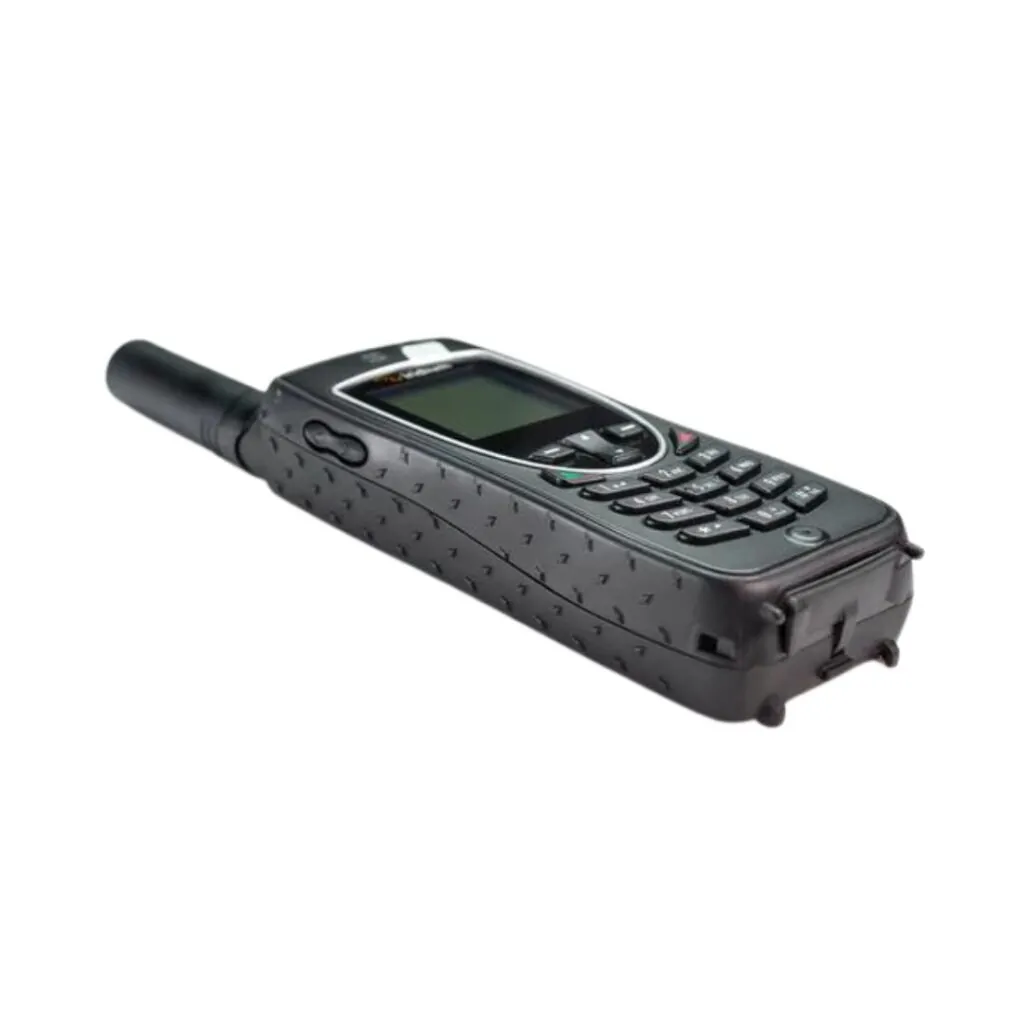
1. Unboxing Your Iridium Extreme
When you first receive your Iridium Extreme from Global Satellite, ensure you have the following items:
User manual and Quick Start Guide
The Iridium Extreme phone
Battery
AC charger
USB cable
Iridium Extreme® combines market-leading toughness with an unmatched feature set including location awareness and a fully integrated SOS button with emergency response service — all in one compact handset.
Iridium Extreme User Manual
With this Quick Start Guide from Global Satellite, you can maximize the use of your Iridium Extreme satellite phone. Whether for personal use or professional communications, staying connected has never been easier. For any further questions, don’t hesitate to reach out to Global Satellite customer support.
- 👉 www.globalsatellite.us
- 📧 support@globalsatellite.us
📧 webcontact@globalsatellite.us
📞 +1-954-459-3002
Discover our Websites: globalsatellite.gi , globalsatellite.fr , globalsatellite.ky, globalsatellite.ma